
Registration & Sign-In
This page covers the user-facing registration and sign-in experience in Atlantisboard, including password requirements, email verification, the first-user bypass, and account lockout behaviour.
Registration
When registration is enabled (see Registration Modes below), new users can create an account from the login page.
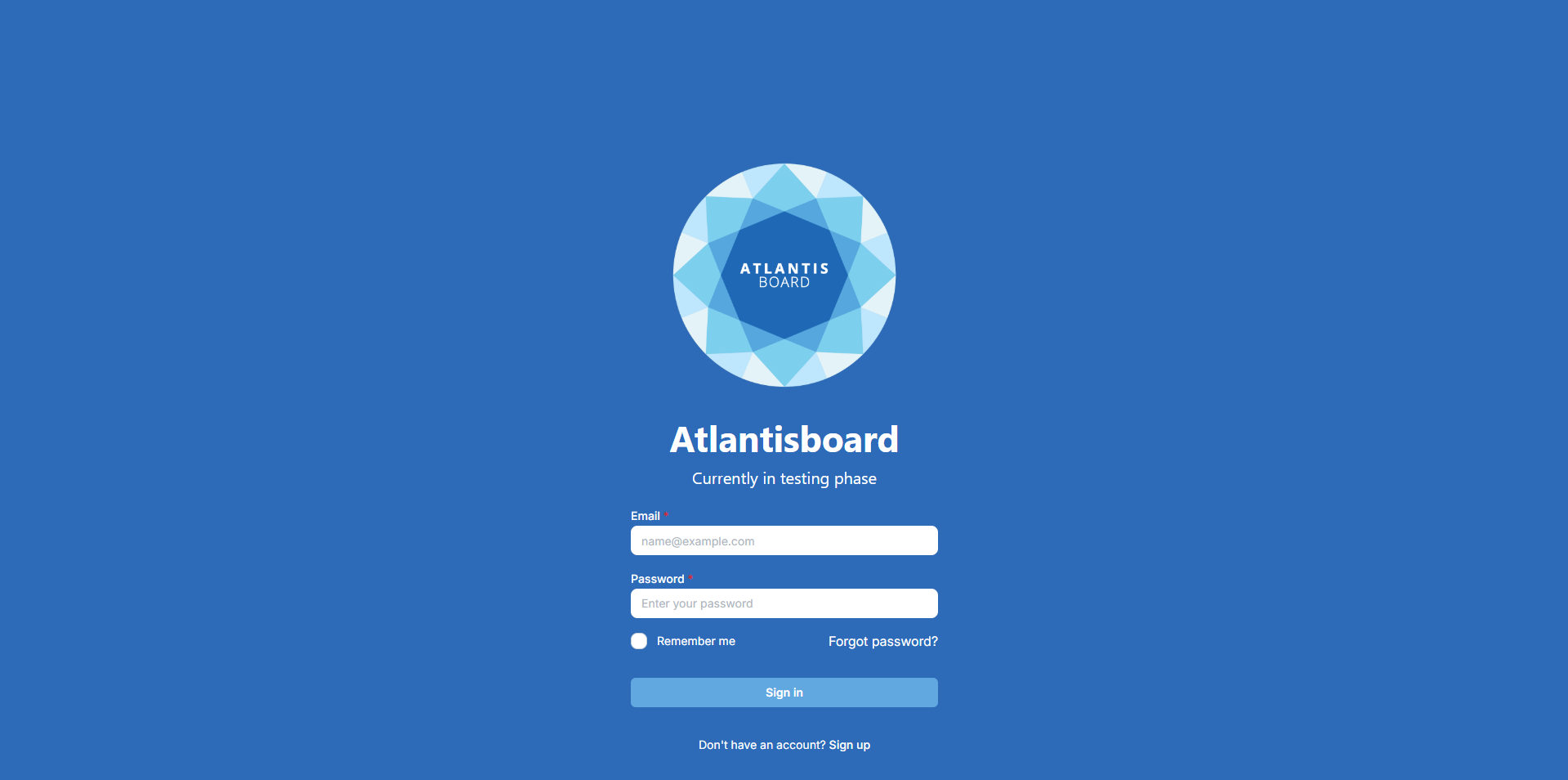
Registration Fields
| Field | Required | Description |
|---|---|---|
| Display Name | Yes | Your full name or preferred display name, shown on cards and comments. |
| Username | Yes | A unique identifier used alongside your email for account identification. |
| Yes | Your email address, used for sign-in, password resets, and notifications. | |
| Password | Yes | Must meet the strength requirements described below. |
| Confirm Password | Yes | Must match the password field exactly. |
Password Requirements
Atlantisboard enforces a minimum password length of 12 characters. A 5-segment strength meter is displayed below the password field, providing real-time visual feedback as you type:
| Segment | Requirement |
|---|---|
| 1 | Minimum length (12 characters) |
| 2 | Contains at least one uppercase letter (A–Z) |
| 3 | Contains at least one lowercase letter (a–z) |
| 4 | Contains at least one number (0–9) |
| 5 | Contains at least one special character (!@#$%^&* etc.) |
All five segments must be filled (green) for the password to be accepted. The meter updates in real-time as you type.
Email Verification
If the administrator has enabled mandatory email verification in Login Options, a “check your email” screen appears immediately after successful registration. You must click the verification link in the email before you can sign in.
- The verification token expires after 10 minutes.
- A Resend link is available if the email does not arrive or the token expires.
- Verified status is visible to administrators in the User Management panel.
First-User Bypass
When the database contains zero registered users, registration is always open regardless of the configured registration mode. This ensures you can always create the first account, even if the registration mode is set to “Invite-only” or “Disabled”.
The first registered user is automatically promoted to App Admin and marked as the founding administrator. This cannot be undone from the UI — the founding admin always retains admin access.
Sign-In
Returning users sign in with their email address and password on the login page.
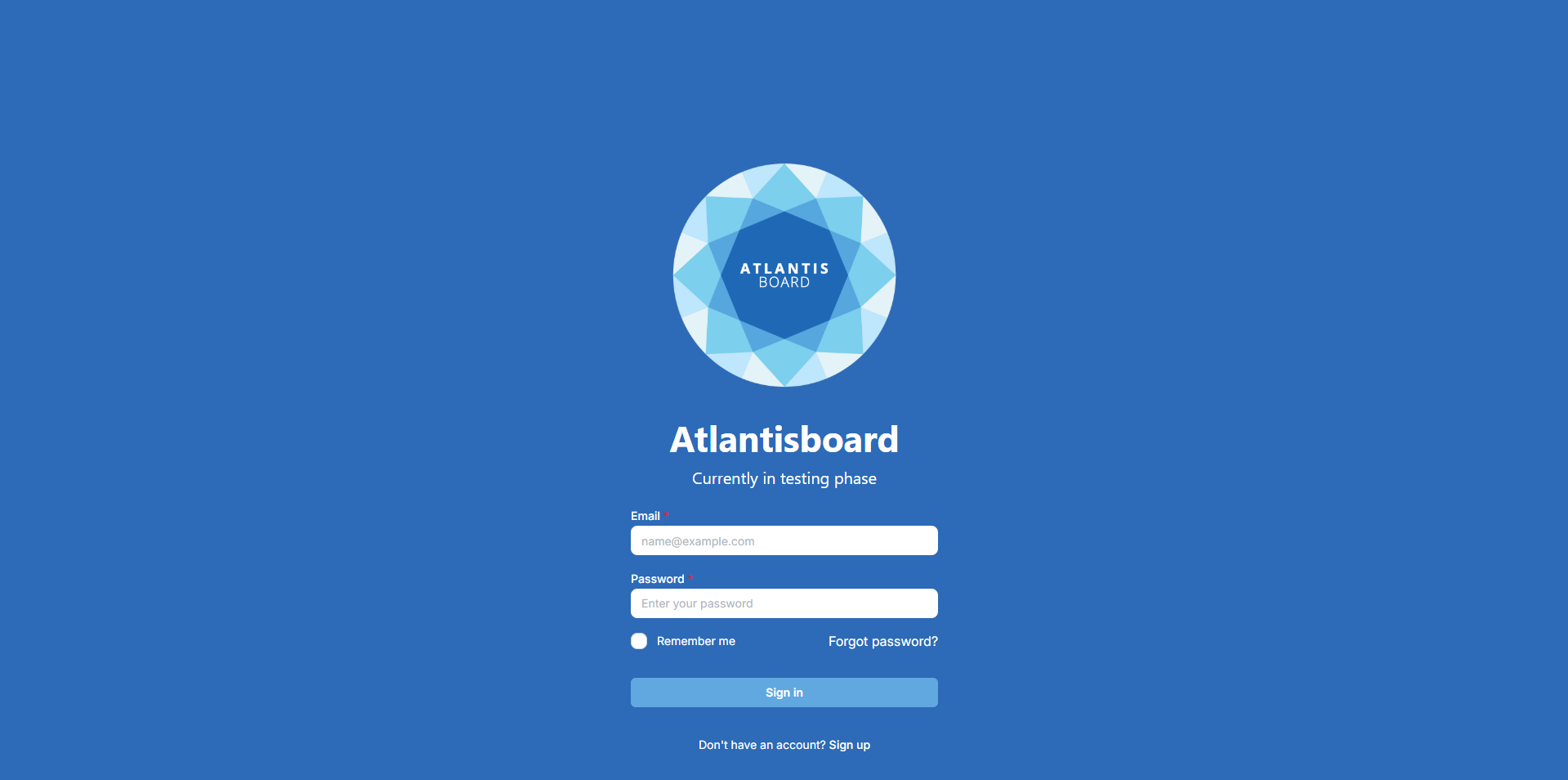
Depending on the authentication method configured by the administrator, the login page may also display a Sign in with Google button. See Google OAuth Sign-In for details.
Registration Modes
The administrator controls how new accounts are created via the Registration Mode setting in Login Options:
| Mode | Description |
|---|---|
| Open | Anyone can create an account. A “Create account” link is visible on the login page. |
| Invite-only | New users can only register via a valid invite link shared by an existing board member. The public sign-up link is hidden. |
| Disabled | No new registrations are accepted. Only existing accounts can sign in. |
Account Lockout
To protect against brute-force attacks, Atlantisboard automatically locks an account after 3 consecutive failed login attempts.
When an account is locked:
- The user sees an “account locked” error message on the login page.
- The user cannot sign in until an administrator unlocks their account from the User Management panel.
- Failed attempt counters are reset when an administrator unlocks the account.
Tip: If you are locked out and no administrator is available, contact your system administrator to unlock your account directly from the Admin panel.
Related Pages
- Login Options — configure authentication methods and registration modes.
- Password Reset & Email Verification — recover access if you forget your password.
- Google OAuth Sign-In — sign in using your Google account.
- Creating the First Admin Account — first-time setup guidance.
- User Management — administrator tools for managing user accounts.